
Key takeaways
- Windows 10 commercial ESU Year 1 ended on 13 Oct 2026. Year 2 is $122 per device, Year 3 is $244.
- HIPAA (45 CFR 164.310(d)(2)) requires policies for disposing of ePHI and removing it before media is reused.
- HHS points to NIST SP 800-88 for how to sanitize. Revision 2 was published in September 2025.
- Photocopiers are a proven blind spot: one health plan paid $1,215,780 over patient data left on copier drives.
- Keep a serial-level record and a sanitization report for every device, and retain it for at least six years.
What happened to Windows 10 on 13 October 2026?
Windows 10 reached end of support on 14 October 2025. Since then, business PCs have only received security fixes through Microsoft's paid Extended Security Updates (ESU) program, which is sold one year at a time per device.
| ESU year (business PCs) | Coverage ends | Price per device |
|---|---|---|
| Year 1 | 13 October 2026 (ended) | $61 |
| Year 2 | 12 October 2027 | $122 |
| Year 3 (final) | 10 October 2028 | $244 |
The program is cumulative, so a PC that skipped Year 1 has to pay for it before Year 2 applies. Microsoft did extend the free consumer ESU to October 2027, but that version excludes domain-joined and centrally managed PCs, which describes almost every computer in a hospital.
For a lot of healthcare IT teams, the maths now points one way: replace the hardware.
Why a Windows 10 refresh is really a data disposal project
A refresh plan usually focuses on the new machines: imaging, deployment, user migration, training. The old machines get one line at the end, often just "send to recycler".
That line is where the HIPAA risk sits. Every retired PC in a hospital has likely touched electronic protected health information (ePHI), whether through cached EHR sessions, downloaded reports, scanned documents, email attachments or local temp files. The data does not leave the drive when the user does, and a factory reset or quick format usually leaves it recoverable with free tools.
When thousands of devices leave a building in a short window, small gaps in the process turn into large exposures.
What does HIPAA actually require when you retire a device?
HIPAA does not name a specific wiping tool or method. It sets the obligation and leaves the method to the organisation's risk analysis.
The rules. The HIPAA Security Rule's device and media controls include two required specifications:
- Disposal, 45 CFR 164.310(d)(2)(i): implement policies and procedures to address the final disposition of ePHI and the hardware or electronic media on which it is stored.
- Media re-use, 45 CFR 164.310(d)(2)(ii): implement procedures for removing ePHI from electronic media before the media is made available for re-use.
The guidance. HHS says a covered entity may reuse or dispose of computers that stored ePHI, but only after the ePHI has been removed or the media destroyed. Its examples are clearing (overwriting with non-sensitive data), purging (such as degaussing) and destroying (shredding, disintegration, pulverising, melting or incinerating). For practical method selection, HHS refers readers to NIST SP 800-88, Guidelines for Media Sanitization. NIST published Revision 2 in September 2025 and withdrew Revision 1.
The records. HIPAA requires Security Rule documentation to be kept for six years (45 CFR 164.316(b)(2)(i)). Disposal policies, logs and certificates are sensible to keep on the same schedule. Our HIPAA data destruction overview covers the wider requirements.
Clear, purge or destroy: which one fits?
| NIST method | What it means | Typical examples | Can the device be reused? |
|---|---|---|---|
| Clear | Logical overwrite of user-addressable storage; protects against simple recovery | Overwriting an HDD, factory reset where supported for that media | Yes |
| Purge | Makes recovery infeasible even with lab techniques | Cryptographic erase, firmware-based sanitize commands, degaussing magnetic media | Often yes (degaussed HDDs usually not) |
| Destroy | Physically renders the media unusable | Shredding, disintegration, pulverising, incineration | No |
The right choice depends on the media type (HDD, SATA SSD, NVMe, eMMC in thin clients and tablets) and whether the device is being resold, donated, returned to a lessor or scrapped. SSDs in particular need methods designed for flash storage; a simple overwrite pattern built for spinning disks may not reach every block.
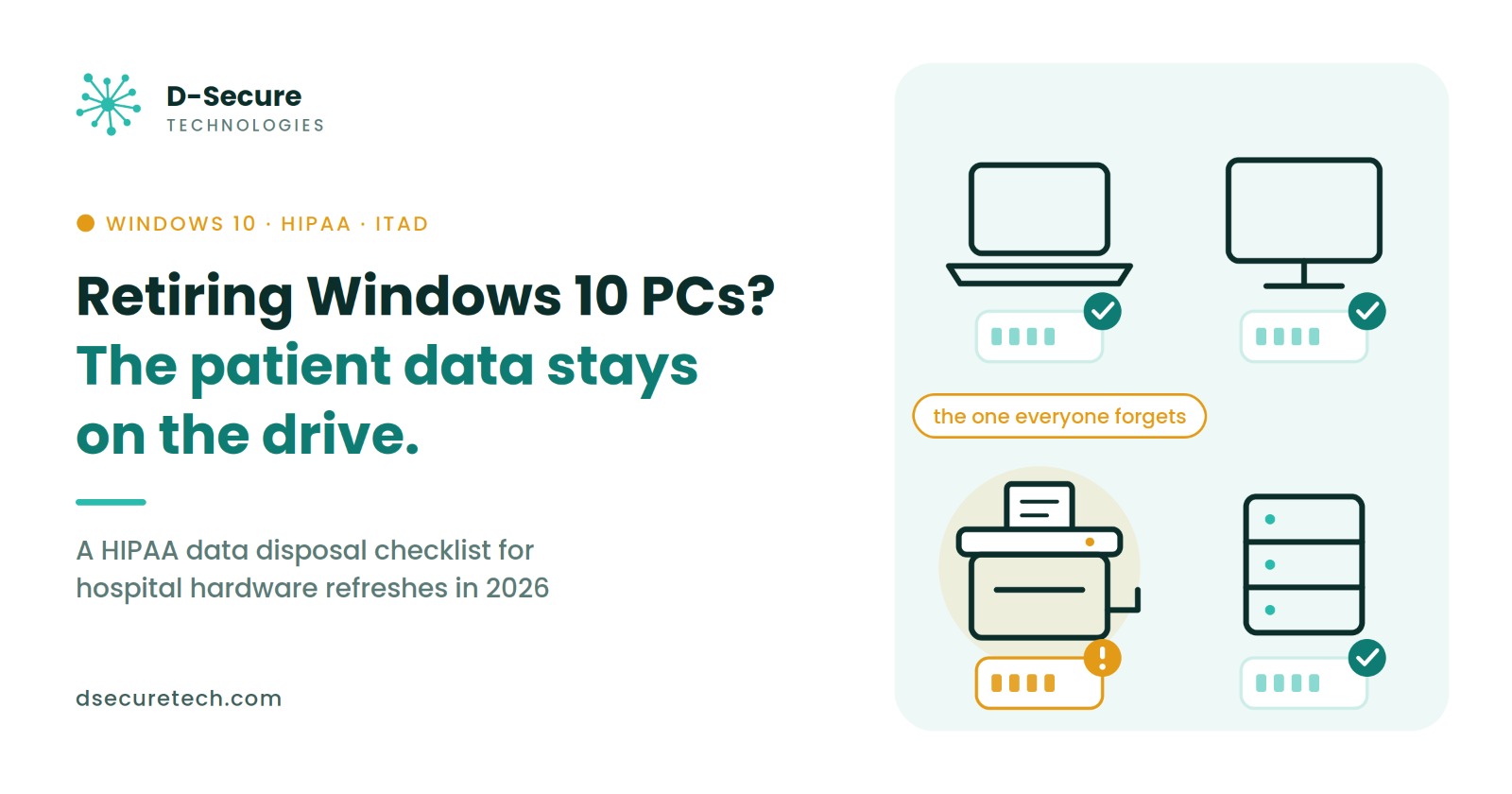
The devices that get forgotten (and the $1.2M copier lesson)
Laptops and desktops are on the refresh plan. These usually are not:
- Copiers and multifunction printers. Many contain hard drives that store images of scanned, printed and faxed documents.
- Medical and imaging devices with built-in storage, such as ultrasound carts, monitoring stations and kiosks.
- The drawer laptop. Spare or loaner machines that fell off the asset list years ago.
- Servers, NAS boxes and backup drives retired alongside the PC fleet.
- Phones and tablets used for clinical apps or two-factor login.
Case: Affinity Health Plan
In August 2013, HHS announced a $1,215,780 settlement after CBS Evening News bought a photocopier the health plan had previously leased and found confidential medical information on its hard drive. The breach affected roughly 350,000 people. HHS found the plan had returned multiple copiers to leasing agents without erasing the drives, had left copier storage out of its risk analysis and had no procedures for returning the equipment.
The lesson for 2026 is simple: if a device has storage and it touched patient data, it belongs on the disposal list, whether it looks like a computer or not.
A 7-step HIPAA disposal checklist for your Windows 10 refresh
- Build a serial-level inventory. List every device leaving service, including copiers, medical devices and spares, with serial number, location, owner and storage type.
- Update the risk analysis. Record which devices held ePHI and which sanitization level each needs. This is exactly where Affinity fell short.
- Match the method to the media. Use NIST SP 800-88 to choose clear, purge or destroy for HDDs, SSDs, NVMe and embedded storage.
- Control chain of custody. Track each device from the moment it is unplugged until it is sanitized, with signed hand-offs and secure storage in between.
- Sanitize before devices leave the building where possible. On-site sanitization removes the risk of loss in transit; if devices travel first, use locked containers and logged transport.
- Collect a record for every device. Each record should show the serial number, method, date, operator and verification result. Batch statements such as "400 drives processed" are hard to defend in an audit.
- Retain the evidence. Store the inventory, reports and contracts for at least six years and make them easy to retrieve.
For what a device-level record should contain, see what a certificate of data destruction must include.
Questions to ask your ITAD partner
An IT asset disposition (ITAD) vendor can handle the heavy lifting, and HHS allows covered entities to use a business associate for disposal. These questions help you compare vendors on what matters:
- Will you sign a business associate agreement (BAA), and do any subcontractors handle our devices?
- Which NIST SP 800-88 method do you use for each media type, especially SSDs and NVMe?
- Do we get a device-level report (serial number, method, date, result) for every asset, not just a batch certificate?
- How is chain of custody documented from our dock to final disposition?
- Can sanitization happen on-site?
- What happens to drives that fail sanitization?
- How long do you keep records, and can we export them?
A signed BAA shares responsibility, but the hospital still needs its own records to show what happened to every device. Our ITAD vendor selection guide goes deeper on comparing providers.
The bottom line
The Windows 10 deadline is loud. The disposal step is quiet, and that is why it gets missed. Before the first pallet of old PCs leaves your building, make sure every device with storage is on the list, every drive has a method that fits it, and every result is written down.
Which device does your team always forget during a refresh? Tell us on LinkedIn.
D-Secure Drive Eraser
Drive Eraser applies the NIST SP 800-88 Clear or Purge method that matches each drive type, verifies the result and produces a report for every drive, with the serial number, method, date and result your auditors ask for.
Sources
- Microsoft Windows 10 ESU program details and pricing, as summarised by Helion Technologies (8 Oct 2026) and CRC Cloud (30 Sep 2026)
- HHS, May a covered entity reuse or dispose of computers that store ePHI?
- HHS, FAQs about the disposal of protected health information (PDF)
- HealthIT.gov, Reusing or disposing of mobile devices that store health information
- Hunton Andrews Kurth, HHS settles with Affinity Health Plan over photocopier security breach
- Healthcare IT News, $1.2M photocopy breach proves costly
- NIST, SP 800-88 Rev. 2, Guidelines for Media Sanitization (September 2025)
This article is for general information and is not legal advice. Check specific obligations with your compliance or legal team.
No comments yet. Be the first to comment.