
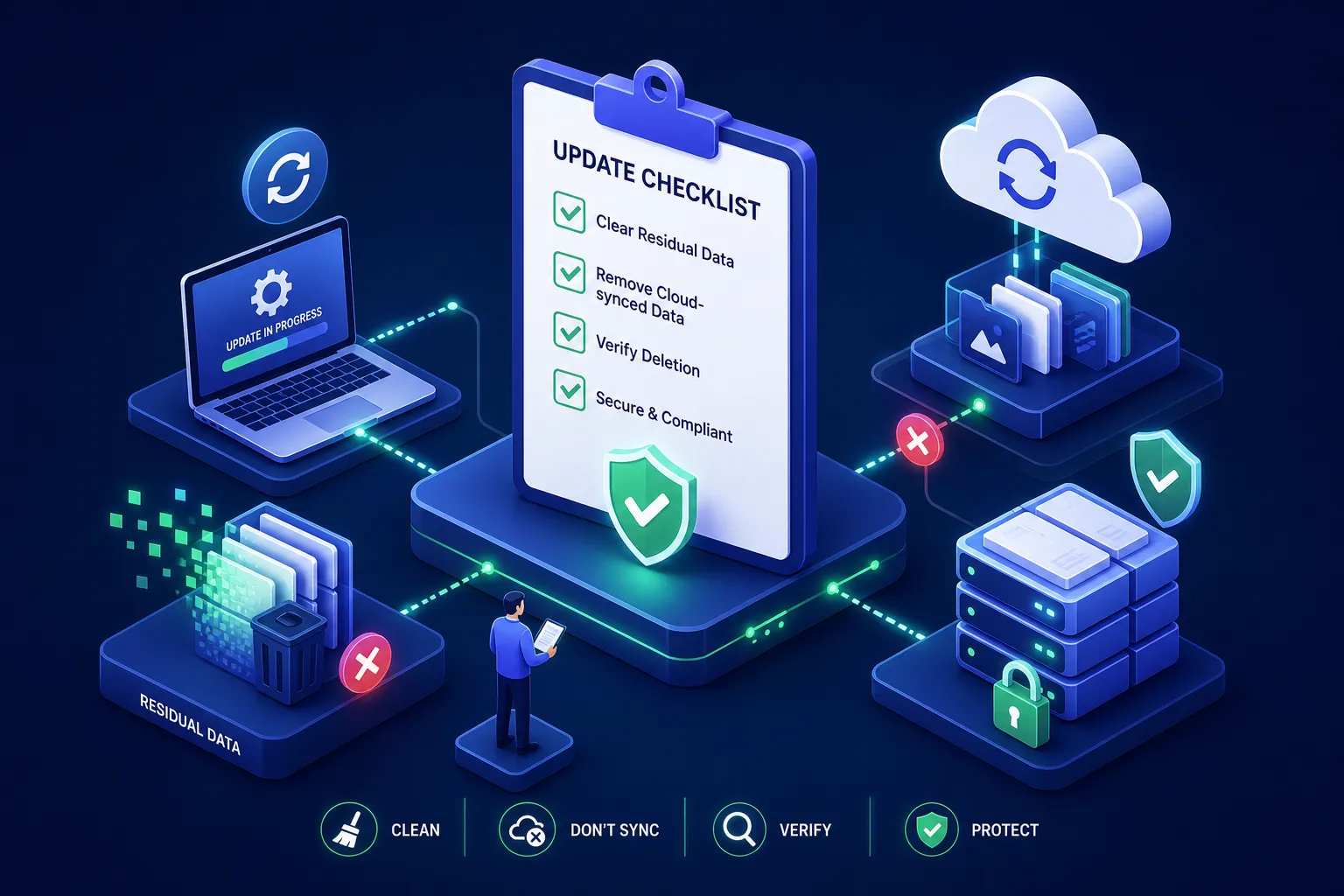
Every time your team pushes a firmware patch, OS upgrade, or cloud application update across your fleet, there is a question nobody asks loudly enough: did any data from the previous state stay behind? Not maliciously. Not visibly. But residually, in cached partitions, cloud-sync logs, and temporary staging files that the update process never cleaned up. When devices are configured with an "online update (keep data)" option, or when the update workflow simply preserves existing data by default, teams must verify whether residual data remains in cache, firmware regions, or cloud snapshots before the next compliance window opens.
This is not a fringe risk. It is a structural gap in how most enterprise update workflows are designed. The update gets deployed; the audit trail stops there. What lingers in the background, synced credentials, stale configuration files, PHI fragments in firmware partitions, rarely appears in the deployment report. For teams managing regulated device fleets in healthcare, finance, or government, that gap is a compliance liability with real consequences.
This checklist walks through the four highest-risk update scenarios, the mitigation steps that belong before, during, and after each update cycle, and how to build an audit trail that satisfies regulators. Organisations often find that integrating NIST SP 800-88 aligned data erasure tools into their update workflows helps address a problem that typically goes unnoticed until an auditor surfaces it.
How an "Online Update Keep Data" Setting Quietly Holds On to Stale Information
Most IT teams treat an update as a replacement operation: old code out, new code in. In practice, the update process layers on top of existing system states. Firmware patches, in particular, often update only specific partitions while leaving adjacent storage regions, including cached credentials, device-configuration data, and previous user states, completely untouched. The update completes successfully. The residue stays.
Cloud-connected endpoints add another layer of complexity. When an OS update runs on a device that is actively syncing, the sync client may push a snapshot of the pre-update state to the cloud before the update completes. That snapshot may include file metadata, contact lists, and app states; in some implementations, tokens or credentials could be present. After the update, the cloud retains that snapshot indefinitely unless it is explicitly purged. The device looks clean; the cloud copy does not.
Compliance & Demonstrability Risk
For regulated industries, the problem is not just data persistence, it is demonstrability. GDPR and HIPAA, for instance, require organisations to demonstrate that personal data is contained and controlled at every stage of its lifecycle; India's DPDP Act imposes comparable accountability obligations. An update cycle that leaves residual data in cloud-sync logs or firmware partitions without a corresponding audit record is a gap that an auditor will find and a regulator will act on.
Four Update Scenarios That Carry the Highest Residual Data Risk
Not all update types carry equal risk. The four scenarios below consistently produce the most persistent residual data across enterprise device fleets, and each one can be worsened when the update is configured to keep existing data rather than replace it.
1. Cloud Application & OS Updates
Frequently trigger background cloud synchronisation during the installation window. Devices running enterprise productivity suites may push pre-update states to their respective cloud backends. Without a pre-update sync suspension and post-update cloud-residue audit, that data persists outside the device perimeter.
2. Storage Drive Firmware Patches
Firmware patches on HDDs, SSDs, and NVMe drives can leave Host Protected Area (HPA) and Device Configuration Overlay (DCO) regions untouched. These hidden sectors are not visible to the operating system but retain data from previous configurations. Standard imaging tools rarely sanitize them.
3. PXE & MSI Network Deployments
When a device is reimaged via PXE, the process writes a new OS image but does not sanitize the drive beforehand. Previous partitions, unallocated blocks, and cached network credentials survive the reimage unless target media is pre-sanitized using tools like D-Secure Drive Eraser.
4. Mobile Fleet Keep-Data Updates
Mobile OS updates frequently preserve app data, credentials, and profiles by design for continuity. OEM recovery interfaces often expose "online update (keep data)" options where PHI, financial logs, or authentication tokens outlive their intended data retention period.
Before the Update Runs: The Sanitisation Steps That Protect You
Choosing Between Selective Erasure and Full Drive Sanitisation
The first decision is whether you need selective file erasure or full drive sanitisation:
- Selective File Erasure: For devices being updated in place and returned to the same user, selective file erasure targeting specific file types, directories, and cloud-residue locations using D-Secure File Eraser is the recommended approach.
- Full Drive Sanitisation: For devices being reimaged, redeployed to a new user, or transitioning through an ITAD process, full drive sanitisation before the update cycle begins is non-negotiable.
Pre-Sanitisation Checklist for IT Teams
Every sanitisation action taken before an update should be logged with a timestamp, device identifier, and erasure standard applied to build a defensible compliance posture.
During and After: Verification, Audit Trails, and Tamper-Evident Certificates
Verification is the step most update workflows skip entirely. Running an erasure tool and assuming it worked is not the same as confirming it worked. Post-erasure verification should include a read-back check confirming that target sectors return only zeroes or the overwrite pattern. For firmware patches touching drive-level regions, verification needs to extend to HPA and DCO sectors specifically.
An audit trail for update-cycle sanitisation should be tamper-evident by design. Consider cryptographic signing or equivalent tamper-evident controls so that neither the content nor the timestamp can be altered after the fact. Each device in the update cycle should have its own individual record rather than a batch summary. Regulators and auditors working under GDPR, HIPAA, or PCI DSS commonly expect device-level evidence:
| Certificate Field | Why Regulators Require It | D-Secure Automated Output |
|---|---|---|
| Device Identifier (Serial / UUID) | Proves the exact physical endpoint that was processed | Hardware-scanned auto-populated |
| Media & Drive Model | Identifies NVMe, SSD, or HDD controller details | SMART / Bus controller query |
| Erasure Standard Applied | Demonstrates NIST 800-88 Clear/Purge or IEEE 2883 adherence | Standardized algorithm timestamp |
| Verification Sector Result | Confirms 100% block-level read-back verification | Cryptographically validated hash |
| Operator & Timestamp | Establishes strict chain of custody and execution role | Tamper-evident digital signature |
Any certificate missing these critical fields is not audit-ready, regardless of what the vendor claims.
Automating Pre-Update Erasure with NIST 800-88 Aligned Tools
A checklist works at low volume. At enterprise scale, hundreds of devices across multiple sites, multiple update cycles per quarter, manual erasure and manual certificate generation introduce inconsistency and human error. The erasure standard applied to device 47 may differ from the one applied to device 48 because two different technicians made two different calls. That inconsistency is precisely what an audit surfaces.
This is where D-Secure Drive Eraser fits directly into the update workflow. It supports NIST 800-88 aligned Clear and Purge operations across HDDs, SSDs, NVMe, and RAID arrays. It can run multiple simultaneous drive erasure jobs per machine via bootable USB, PXE network boot (Coming Soon), or MSI remote deployment.
The PXE network boot support (Coming Soon) is worth noting specifically: once live, it means Drive Eraser can be integrated into the same network deployment pipeline your team already uses for OS imaging, without requiring a separate step or an additional tool.
For devices updated in place, D-Secure File Eraser handles selective erasure of specific files, directories, and cloud-residue locations without touching the rest of the device, producing a digitally signed, per-device PDF certificate ready for auditor review.
Automate Your Update-Cycle Sanitization
Explore D-Secure Drive Eraser & File Eraser with bootable USB, upcoming PXE network integration (Coming Soon), multi-drive wiping, and audit-compliant certificates.
Making This a Repeatable Policy, Not a One-Off Exercise
A sanitisation checklist that runs once during an audit preparation sprint is not a compliance posture; it is a patch. The goal is to embed pre-update erasure, verification, and certificate generation into the change management workflow so that every update cycle produces the same documented output automatically. That means defining the erasure standard at the policy level, not leaving it to individual technicians.
Mapping your pre-update and post-update erasure steps to the Clear, Purge, and Destroy categories in NIST SP 800-88 gives you a standards-aligned operational foundation that helps satisfy GDPR, HIPAA, and PCI DSS requirements. It also gives your legal and compliance teams a recognised reference point they can cite if a data incident occurs during or after an update cycle.
Some update scenarios fall outside what a standard pre-update sanitisation workflow can handle: devices with failing storage media, drives with unresolvable HPA configurations, or endpoints where the update itself has corrupted the file system before erasure could run. These cases require escalation to physical destruction through a qualified ITAD partner before the device re-enters the fleet. Documenting the escalation, including the reason and the outcome, is an essential part of the audit trail.
Build This into Your Next Update Cycle
Online updates do not automatically clean up after themselves. Whether your workflow uses a default keep-data setting or an explicit "online update (keep data)" option, cloud-sync snapshots, firmware partition residue, and staged configuration files can all survive an update cycle and persist in places your standard deployment report will never flag.
The fix is not complicated, but it does need to be systematic. Pre-update sanitisation, verification, and per-device certificate generation need to be part of the update workflow. If your team is building or reviewing its update-cycle sanitisation policy, explore D-Secure's free compliance tools, including the NIST 800-88 Checker and GDPR Erasure Checklist, or contact our solution architects to see how Drive Eraser integrates with your pipeline.
No comments yet. Be the first to comment.