
Back to Support
D-Secure Installation Guide
Your comprehensive, step-by-step path to activating robust digital security
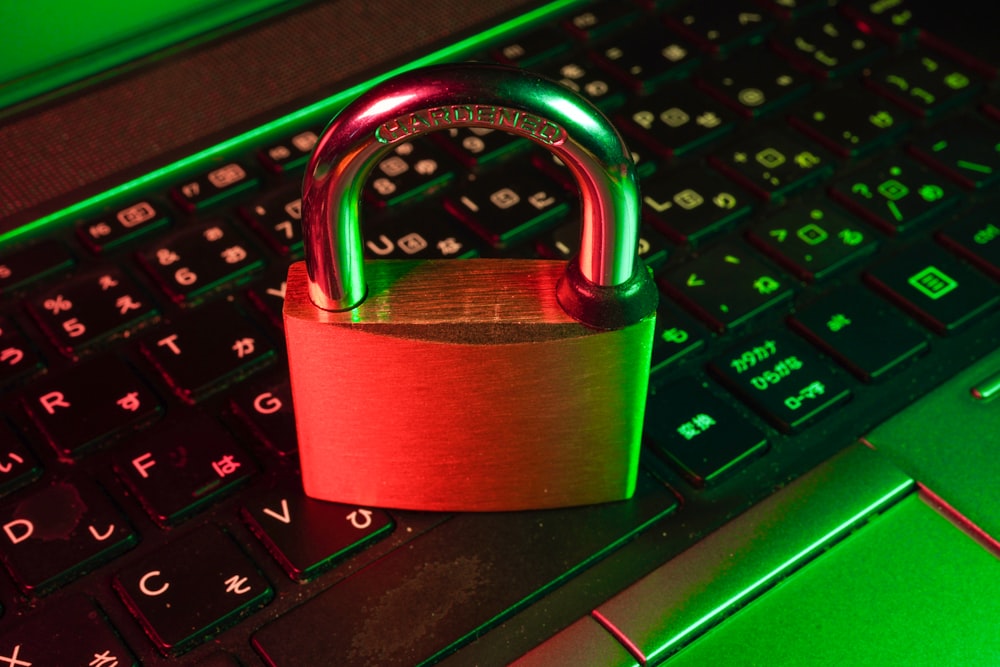
Advanced Digital Security
Industry-leading threat detection with 24/7 real-time monitoring
10
Guide Pages
5
Installation Steps
99.9%
Threat Detection
100M+
Users Protected
Installation Steps
Follow these 5 simple steps to activate D-Secure protection

1
📋
Pre-Installation
System check & preparation
2
⬇️
Download
Get the installer
3
🔑
Activate
License key setup
4
⚙️
Install
Configure settings
5
✅
Complete
Restart & optimize
Visual Installation Guide
Screenshots and visual references for each installation step
Installer Interface
The D-Secure installer features a clean, intuitive interface with real-time progress indicators.
Dashboard Overview
Monitor your security status and access all features through the comprehensive dashboard.
Firewall Settings
Customize network protection with advanced firewall rules and application controls.
Real-time Monitoring
24/7 threat detection with detailed activity logs and instant alerts.
Need Help with Installation?
Our support team is ready to help you with any installation challenges.