
Help Manualv4.0.1 Official
D-Secure FreezeState
Comprehensive documentation for Reboot-to-Restore & Data Sanitization.
1
About D-Secure FreezeState
D-Secure FreezeState is a revolutionary Reboot-to-Restore technology designed to make your workstations indestructible. By "freezing" the system state, it ensures that every time a computer restarts, it returns to its pristine, authorized configuration — regardless of what the user did during the session.
Whether it's accidental file deletions, software installations, or malicious changes, FreezeState wipes away all session-specific data upon reboot, providing a consistent and secure environment for public labs, schools, and enterprise kiosks.
Indestructible Systems
Maintain a 100% clean state after every reboot, eliminating user-induced failures.
Real-time Telemetry
Smart diagnostics track CPU, RAM, and Disk health directly from the cloud console.
2
Product Editions & Technologies
D-Secure FreezeState provides two specialized editions tailored for different security and operational requirements:
Advanced Eraser Edition
Designed for high-security environments where data destruction is mandatory. It doesn't just redirect data; it destroys it.
- Sector-Wise Pure Permanence
- NIST 800-88 / DoD Compliance
- NVMe & SSD Native Support
- Automated Sanitization Reports
Smart Diagnostic Edition
Built for IT fleet management and large-scale workstation monitoring. Combines protection with intelligence.
- 10-Second Status Refresh
- Live Health Telemetry (RAM/CPU)
- Persistence Request Workflow
- Mobile Ready Admin App
3
Admin Console Interface Deep-Dive
3.1
Global Header & Actions
The Global Header (Top Bar) provides persistent access to system-wide utilities and state indicators across all admin pages.
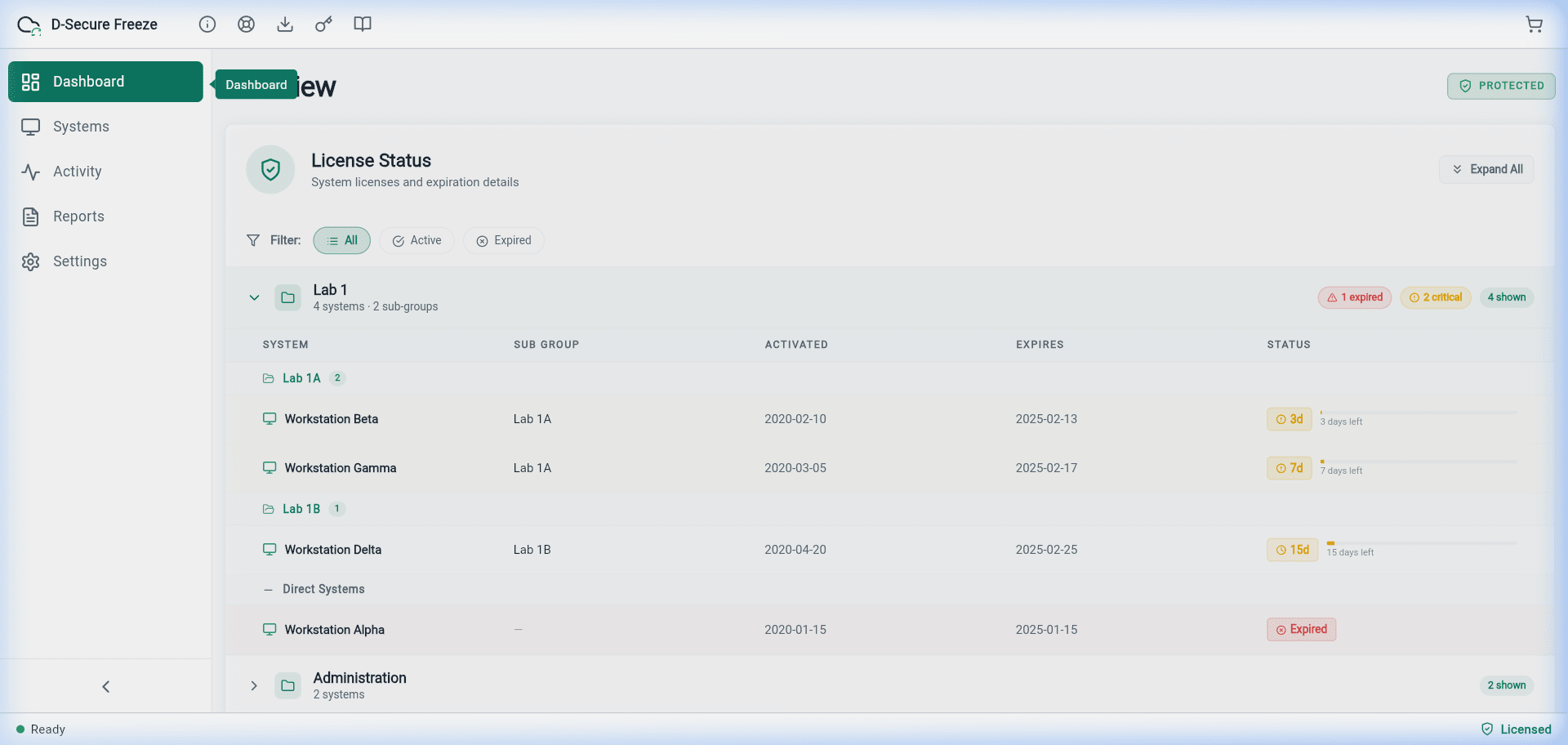
Header Icons Explanation:
System Info
View D-Secure version and infrastructure details.
License Status
Track active nodes and expiration alerts.
Agent Download
Direct links to download installer for Windows/Linux.
Key Management
Manage and renew your organizational keys.
Online Help
Access this manual and knowledge base directly.
3.3
Systems Directory & Grouping
Workstations are structured into Labs and Groups to streamline the execution of fleet-wide policy commands such as bulk rebooting and automated baseline synchronization.
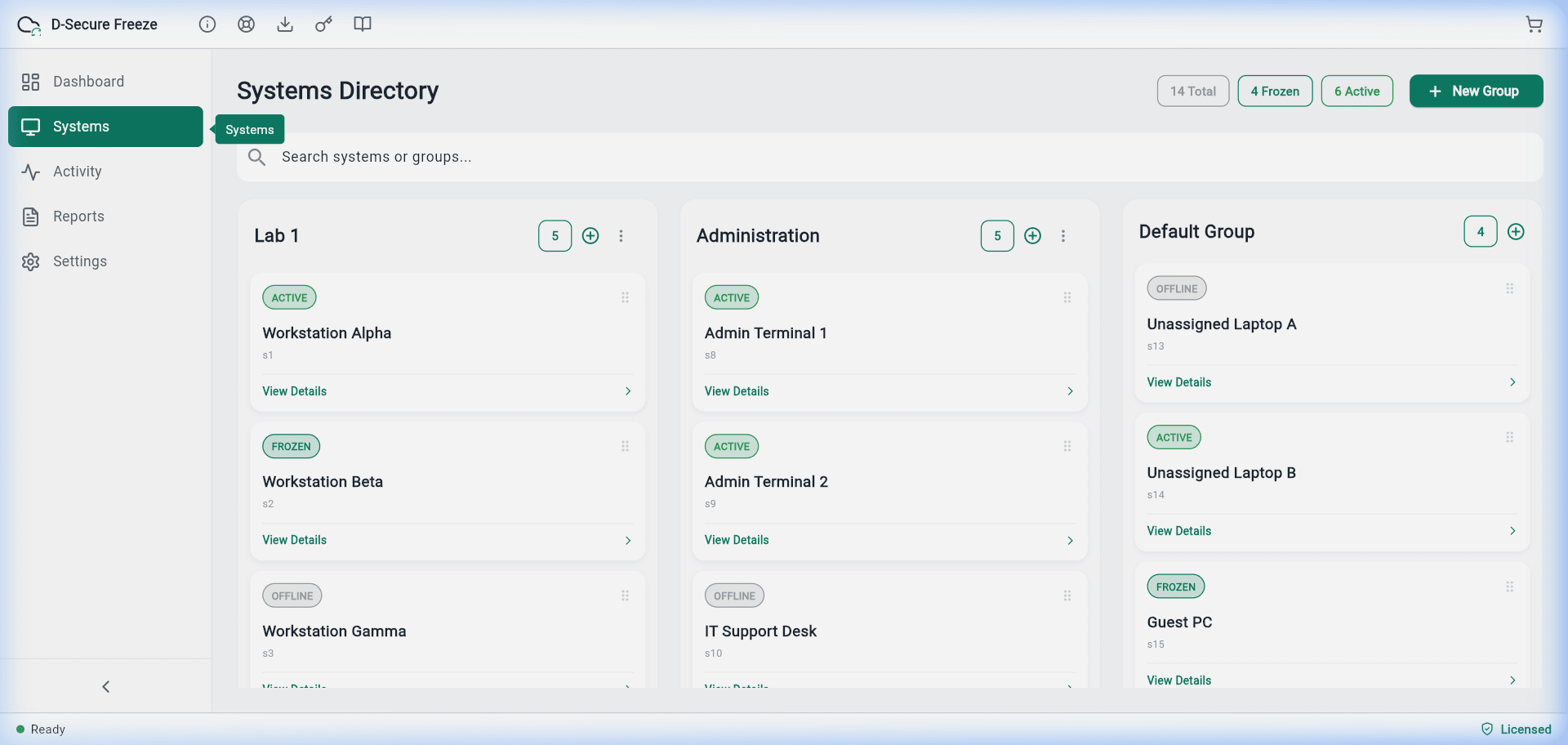
Frozen Status
Machine is protected. Every reboot will restore the system.
Thawed Status
Protection is suspended. Use this for windows updates or software installs.
3.4
Policies & Cleaning Standards
Policy configuration determines how thoroughly the system is cleaned upon restart. This is where you configure security compliance.
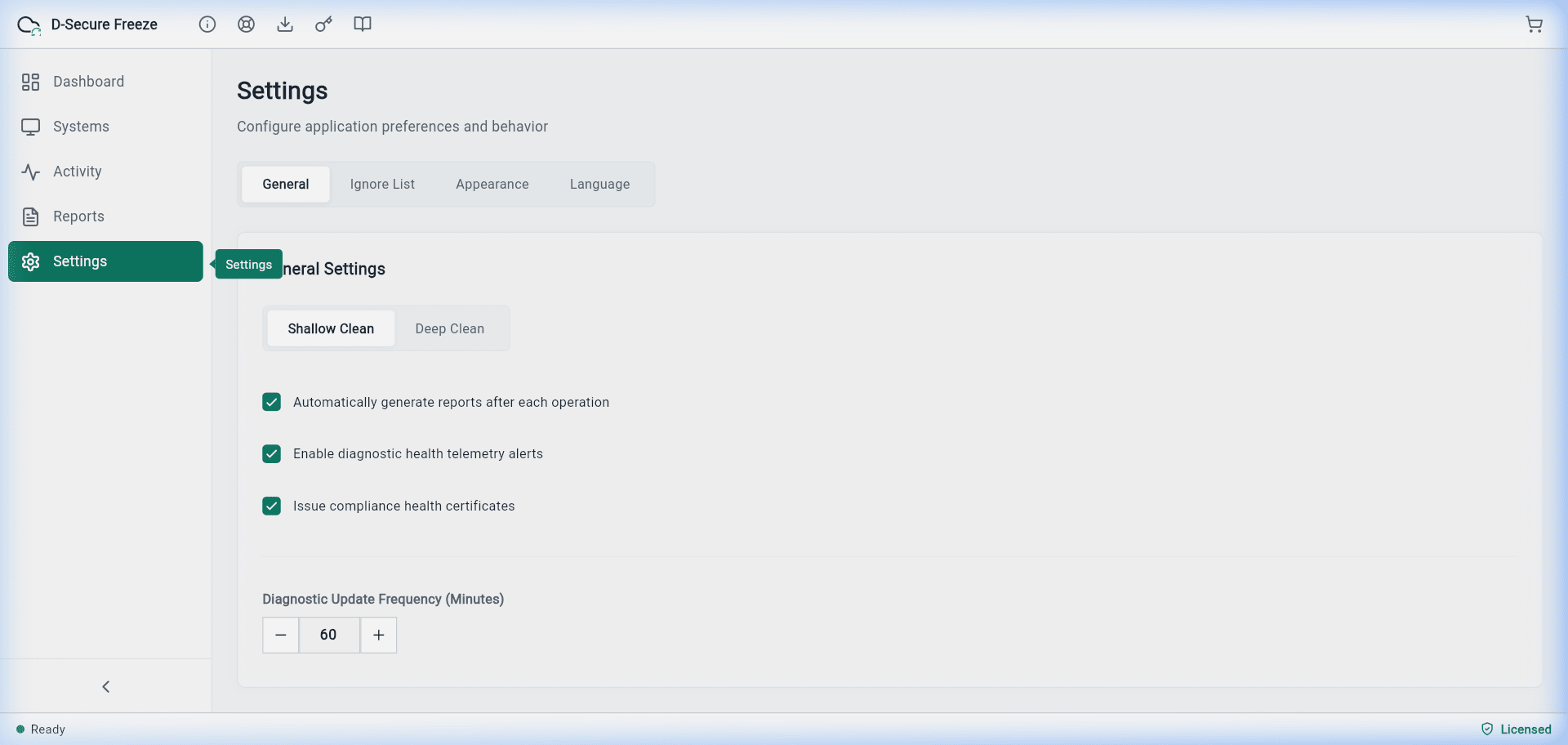
| Cleaning Mode | Description | Security Level |
|---|---|---|
| Shallow Clean | Simply discards the redirection pointers. Extremely fast reboot times. | Standard |
| Deep Clean (Advanced) | Performs a low-level sector wise overwrite on the modified area using random patterns. | Military-Grade |
| Pure Permanence | Ensures data is irrecoverable even via forensic lab tools (NIST 800-88 Purge). | Ultra-Max |
3.5
Reporting & Audit Logs
Reports Section helps you generate forensic proof of data destruction. Every 'Deep Clean' generates a cryptographically signed certificate.
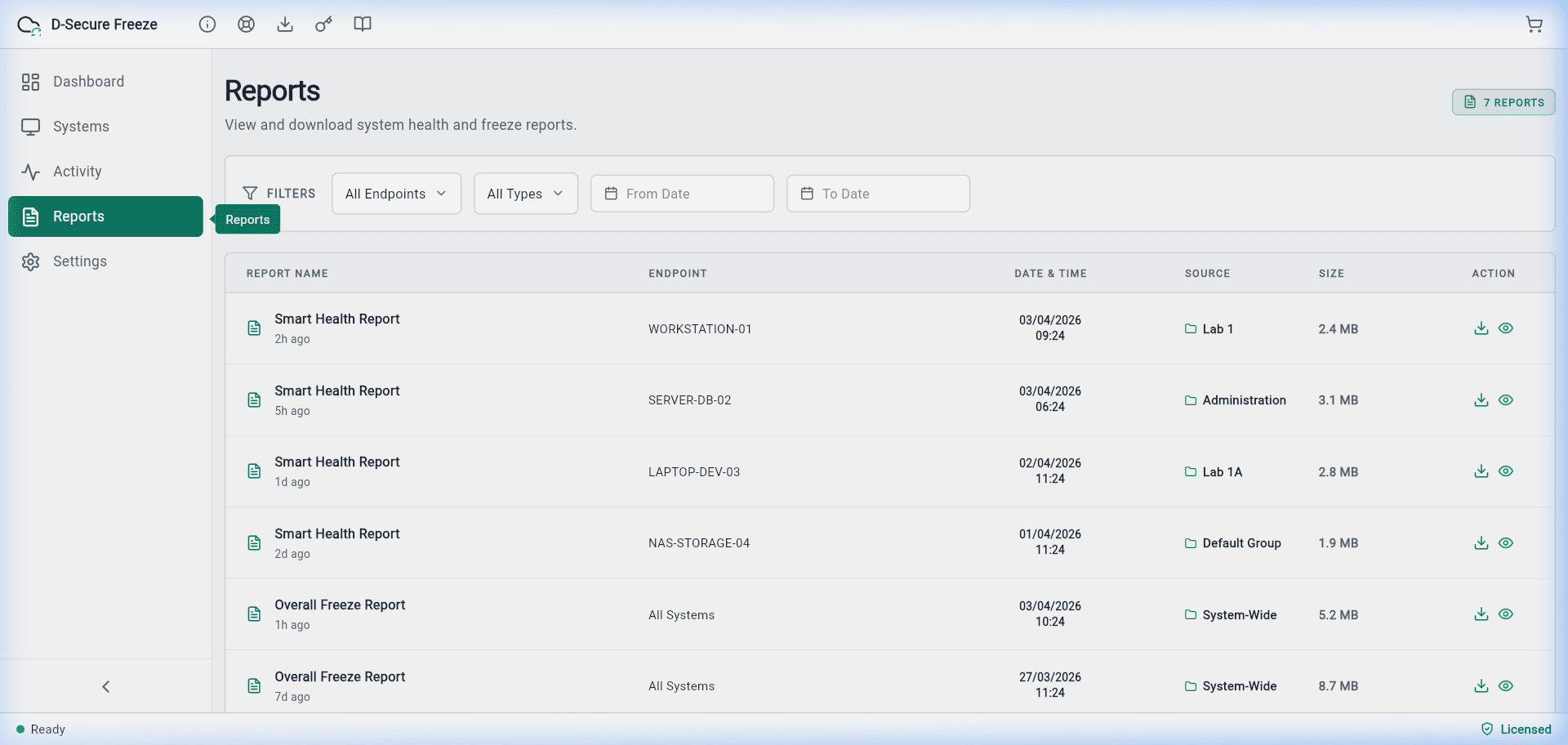
PDF Signed Export
JSON API Bridge
Compliance Audit Ready
4
Endpoint Client Interface Guide
4.1
Status & Navigation Icons
The Endpoint Application is designed to be unobtrusive. The Header shows the current protection state.
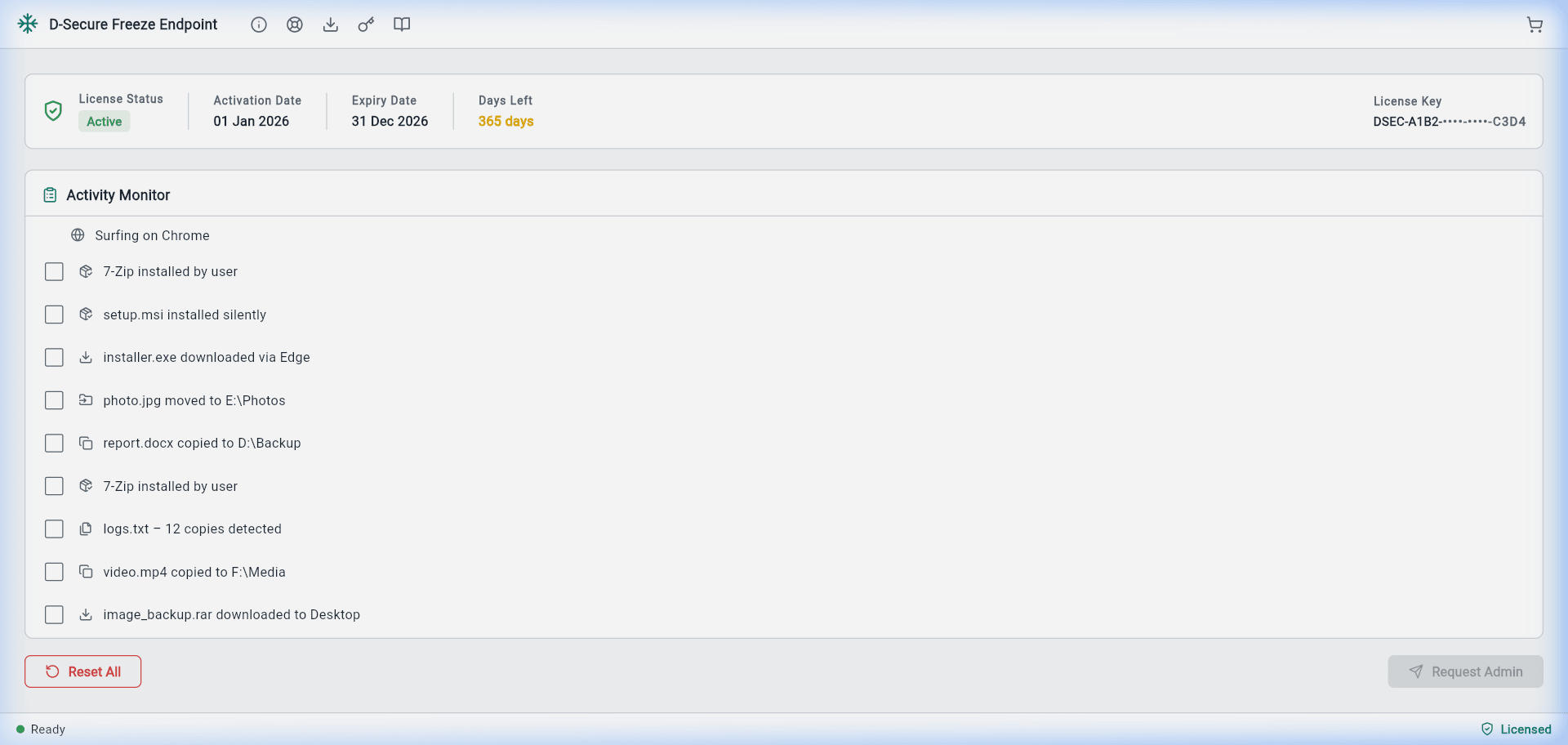
Activity Log
Settings
Support Info
Activation
4.2
System Health Telemetry
Endpoint client continuously monitors hardware health. Smart Diagnostic edition makes this data available in real-time.
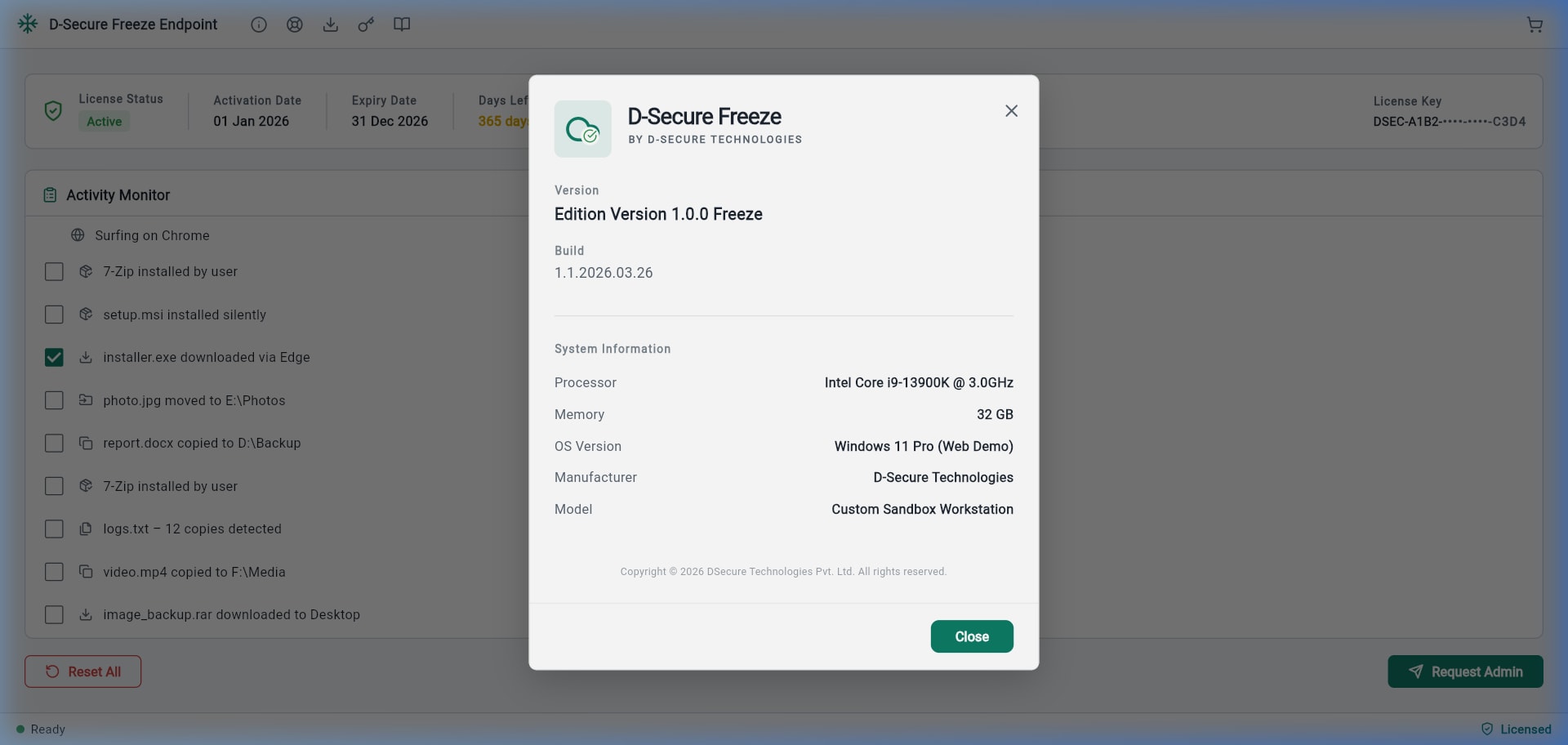
CPU Utilization: Track spikes in processing load.
RAM Pressure: Monitor memory usage to prevent slowdowns.
OS Details: Windows build and Architecture tracking.
Disk S.M.A.R.T: Early warning for drive failures.
4.3
User Persistence Flow
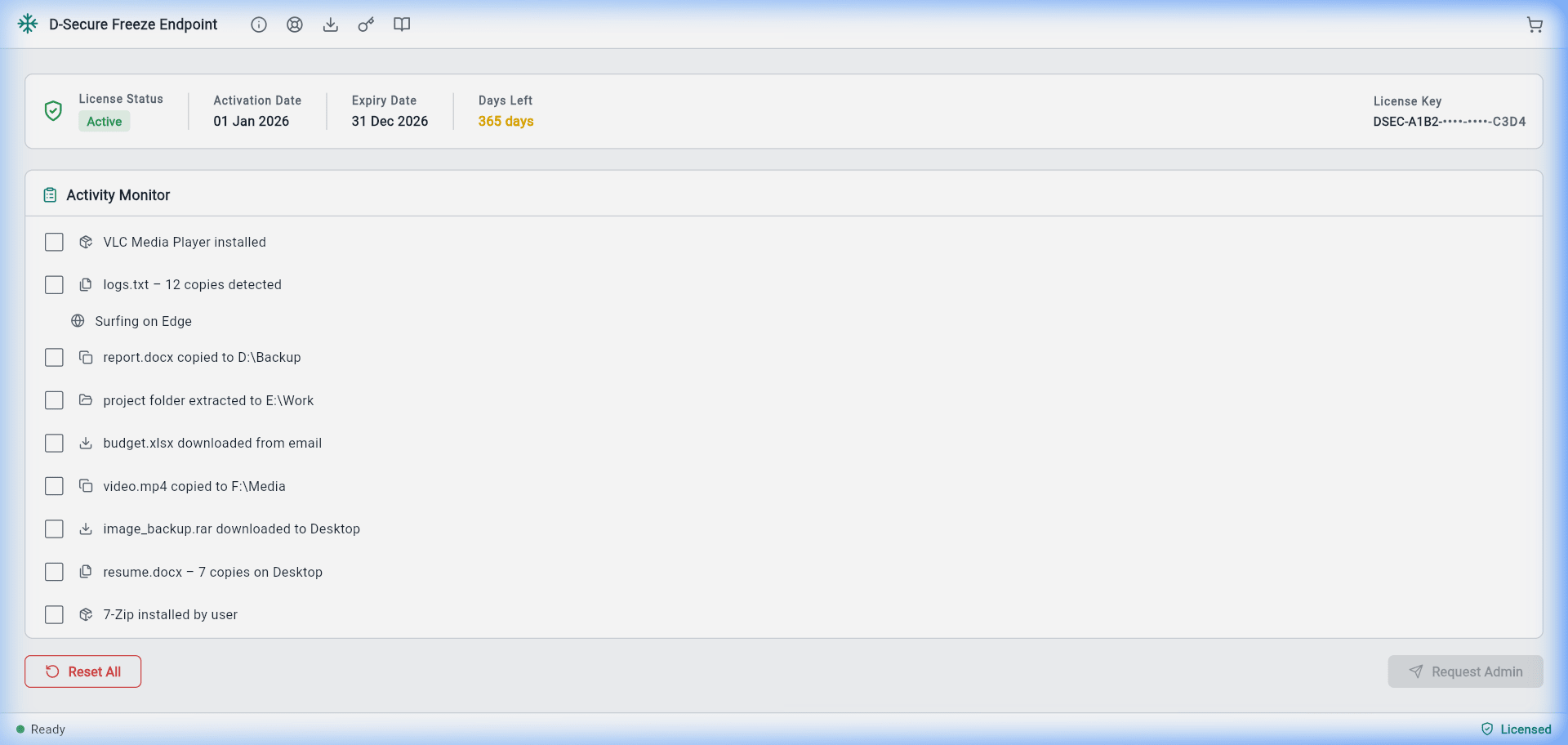
Users can request to Persist certain files or sessions through the "Request Admin" feature.
Pending Review
How to Request:
- Launch Endpoint Dashboard.
- Click the Request Admin button.
- Enter the reason (e.g., "Install Lab Software").
- Submit for automated or manual approval.
"Once approved, the system status will toggle to 'Thawed' until the requested task is complete, allowing changes to be permanently saved."
5
Technical Specifications & Standards
Supported Algorithms
NIST 800-88Clear, Purge, and Destroy standards.
DoD 5220.22-MStandard 3-pass and 7-pass (ECE) wiping.
Guttman-gradeHigh-security 35-pass overwrite logic.
HMG Infosec 5UK Lower and Higher manual standards.
Operation Intervals
Local Telemetry RefreshEvery 10-20 seconds
Cloud Command SyncEvery 60 seconds
Status HeartbeatPersistent Socket Tunnel
Boot Delay (Shallow)0 Seconds (Native Logic)
Forensic Integrity Guaranteed
D-Secure FreezeState ensures that every byte of session data is removed beyond physical recovery. Our Advanced Eraser is aligned for usage in mission-critical banking, government, and healthcare infrastructure.
Encryption Grade: AES-256